
Knowledge Library
System performance & update topics made easy
Browse clear educational guides about computer performance optimization, startup programs, storage cleanup, device drivers, and Windows update troubleshooting.
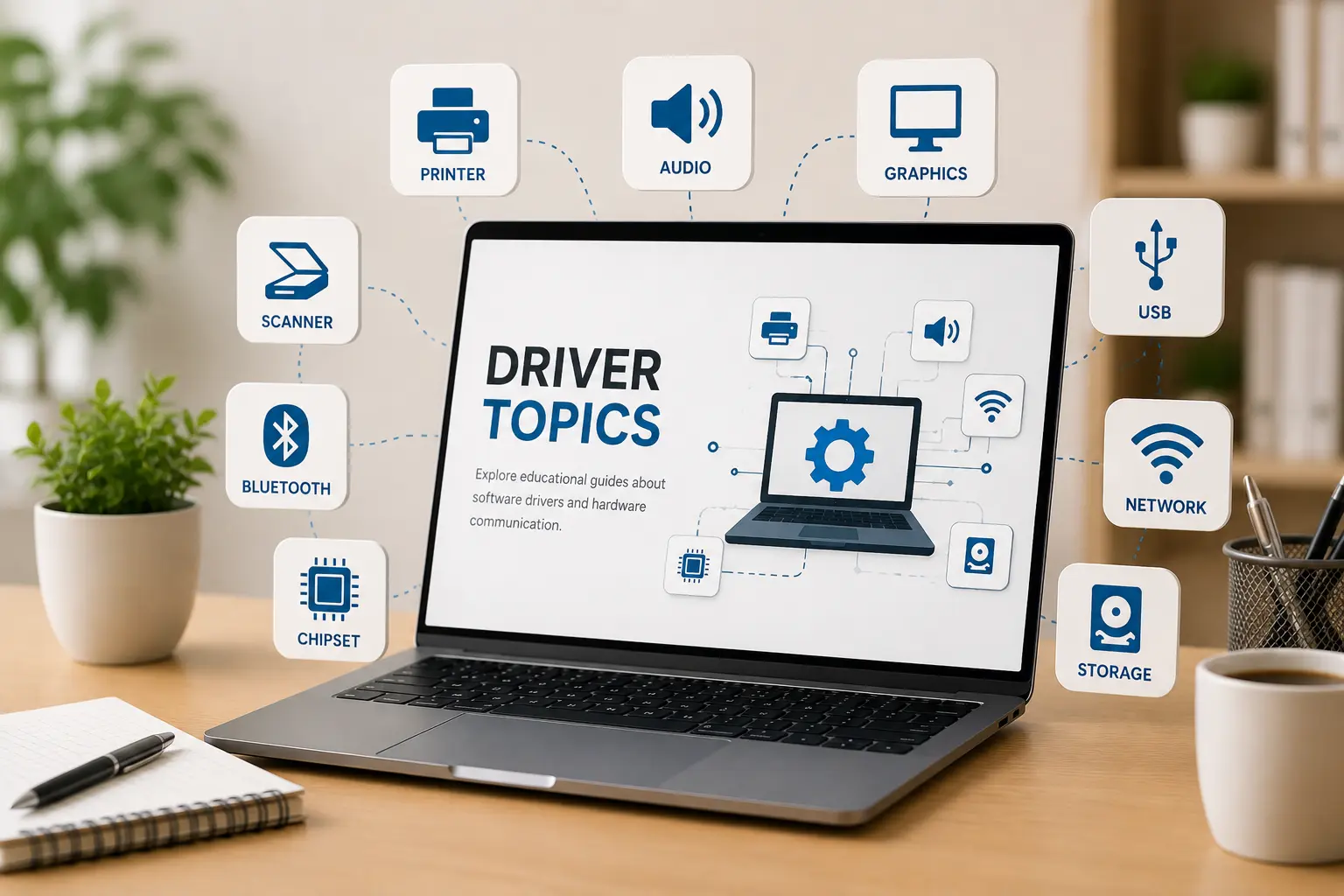
Topic Library
02 Key Categories
02
Core categories explained in simple words.
Easy
Simple topic flow for beginner learning.
Clear
Understand hardware, drivers, and update services.
Computer Speed & Driver Fixes
Is your computer running slow, taking too long to start, or freezing up? Check for missing device drivers in Device Manager, clean out junk temporary files, and stop unnecessary background apps from starting automatically.
Yellow warning signs in Device Manager?
How to scan for missing hardware drivers and fix yellow alert marks.
PC takes too long to boot up?
Stop heavy startup programs from opening automatically when you turn on your PC.
Running out of C-drive storage space?
Safe ways to delete temporary system logs and reclaim gigabytes of disk space.
driverquery /FO table /v
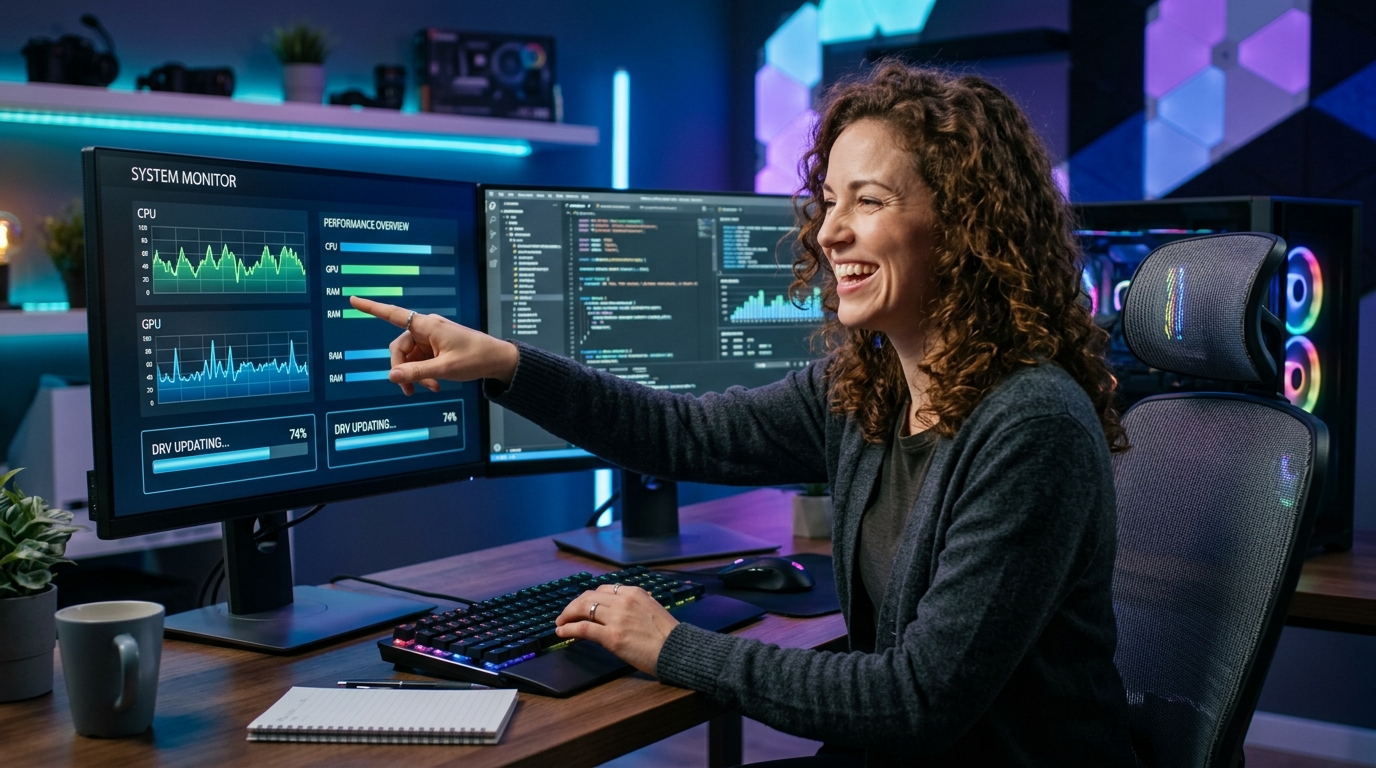

Topic Preview
Explore key performance & update areas
Learn what different system components do and how software drivers and Windows updates impact overall PC health.
System Startup & Memory
Background startup applications, RAM consumption, and Task Manager diagnostics.
Windows Update Services
Windows Update service (wuauserv), BITS, cache reset, and pending reboot queues.
Storage & Disk Activity
100% disk usage, temporary file cleanup, and system partition maintenance.
Error Codes & Driver Rollback
Update failure error numbers (0x800...), device rollbacks, and recovery basics.
Learning Path
Understand your PC step by step
Choose Topic
Select a category such as PC performance, startup speed, storage cleanup, or Windows updates.
Read Concepts
Learn the meaning, purpose, and role of system services in simple language.
Understand Diagnostics
See how Task Manager, Device Manager, and Windows Update history provide diagnostic clues.
Explore Solutions
Move to related guides and optimize your system knowledge step by step.